
Color by the numbers.
Frame statistics drive ASC-CDL white balance and exposure; one approved cinema look from a library of 53 lands via OCIO. Chunked 4K renders, seam-checked.
MaestroGnome reads the footage before it touches a frame—white balance, exposure, scene cuts, dead air—then grades in Blender with ASC-CDL math and an approved look, and cuts, conforms, and QCs in DaVinci Resolve. Every render lands in the same review your collaborators already use.
Originals never touched · Renders QC'd before the client sees them · Same review clock as the music
Frame statistics, scene detection, transcripts, and silence become a shared model of the footage. The assistant proposes the grade and the edit as a visible plan—wheels, look, frame count, render strategy—and only then runs it.
Frame statistics drive ASC-CDL white balance and exposure; one approved cinema look from a library of 53 lands via OCIO. Chunked 4K renders, seam-checked.
Evidence-based tightening and selects land in new variant timelines. Conform is verified frame-exact; loudness, true peak, and codec are checked against spec before delivery.
Media analysis, LUT and look authoring, Fusion comps, and render QC are MCP tools. The assistant plans, you approve, the pipeline runs.
A DJ set shot across club light and street daylight. Drag the divider to compare the camera original against the autonomous grade—no manual correction between the two sides.
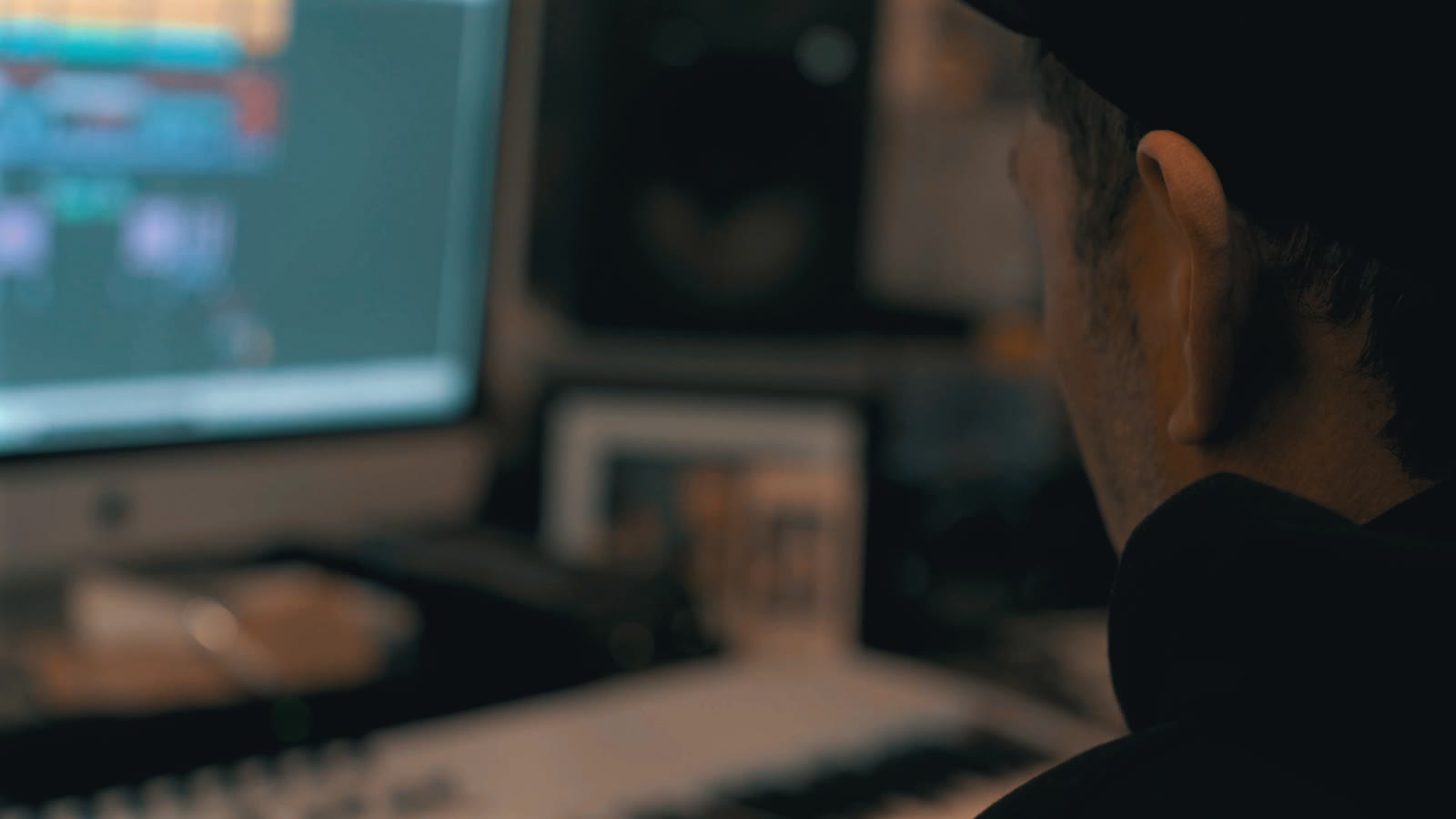
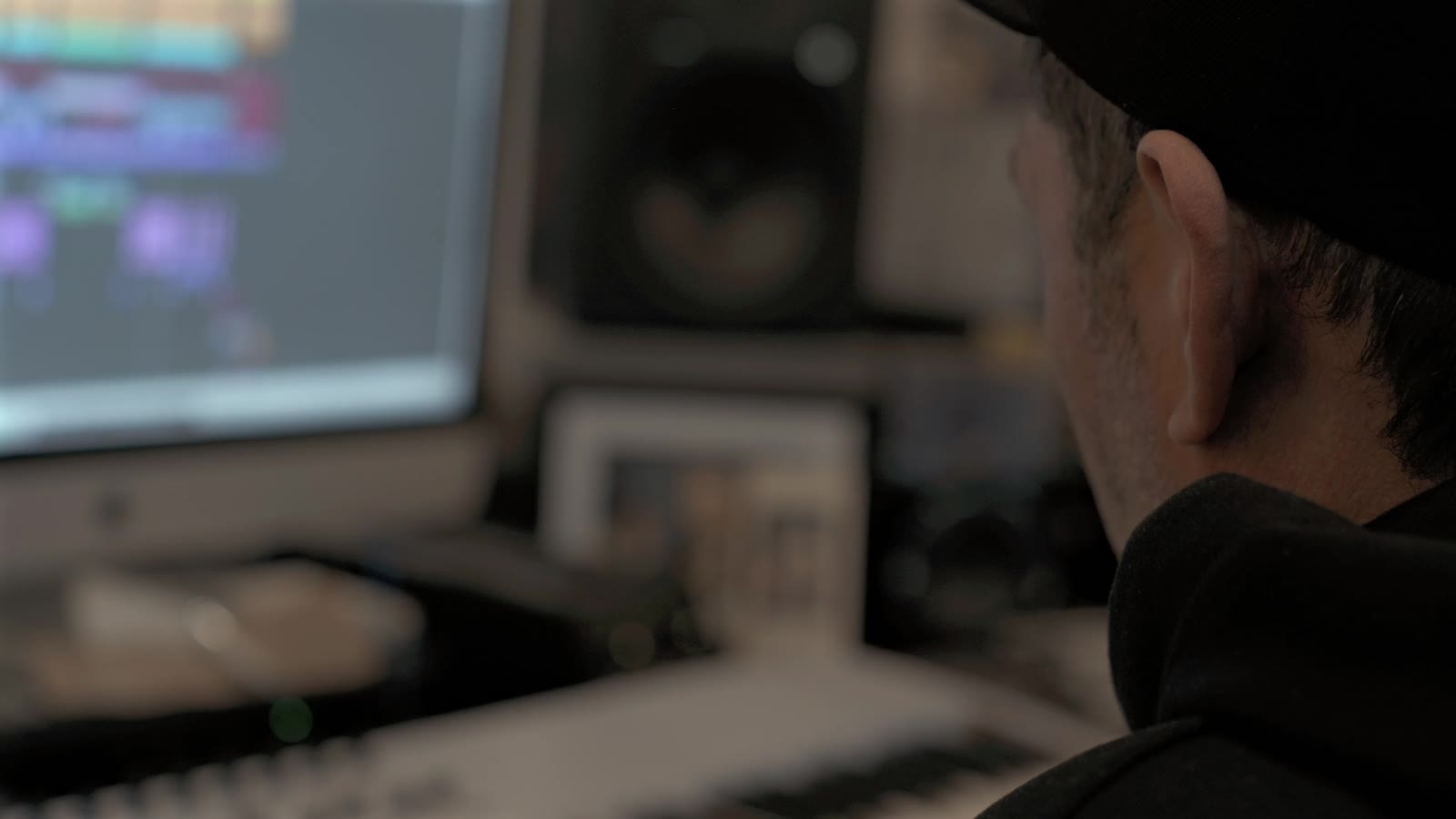 Original
Graded
Original
Graded
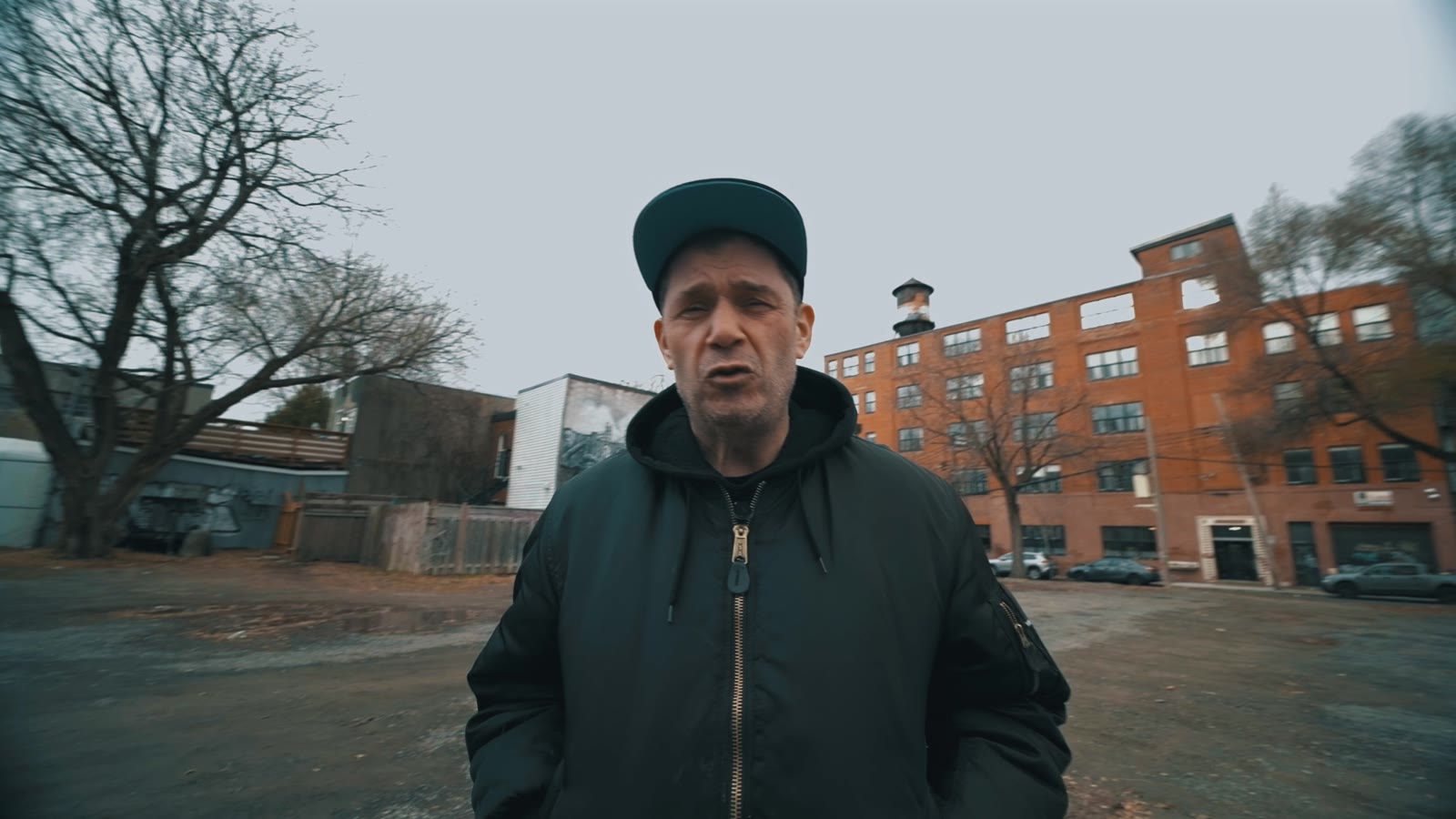
 Original
Graded
Original
Graded
Maestro sampled the frames, corrected white balance and exposure with ASC-CDL math, applied one approved cinema look, and rendered the trimmed content only—then delivered both sides to review on one clock.
The review page plays picture and score on one browser media clock. A timestamped note identifies the visual frame and the musical moment at once, and approved comments return to the correct project and version.
Open the working review →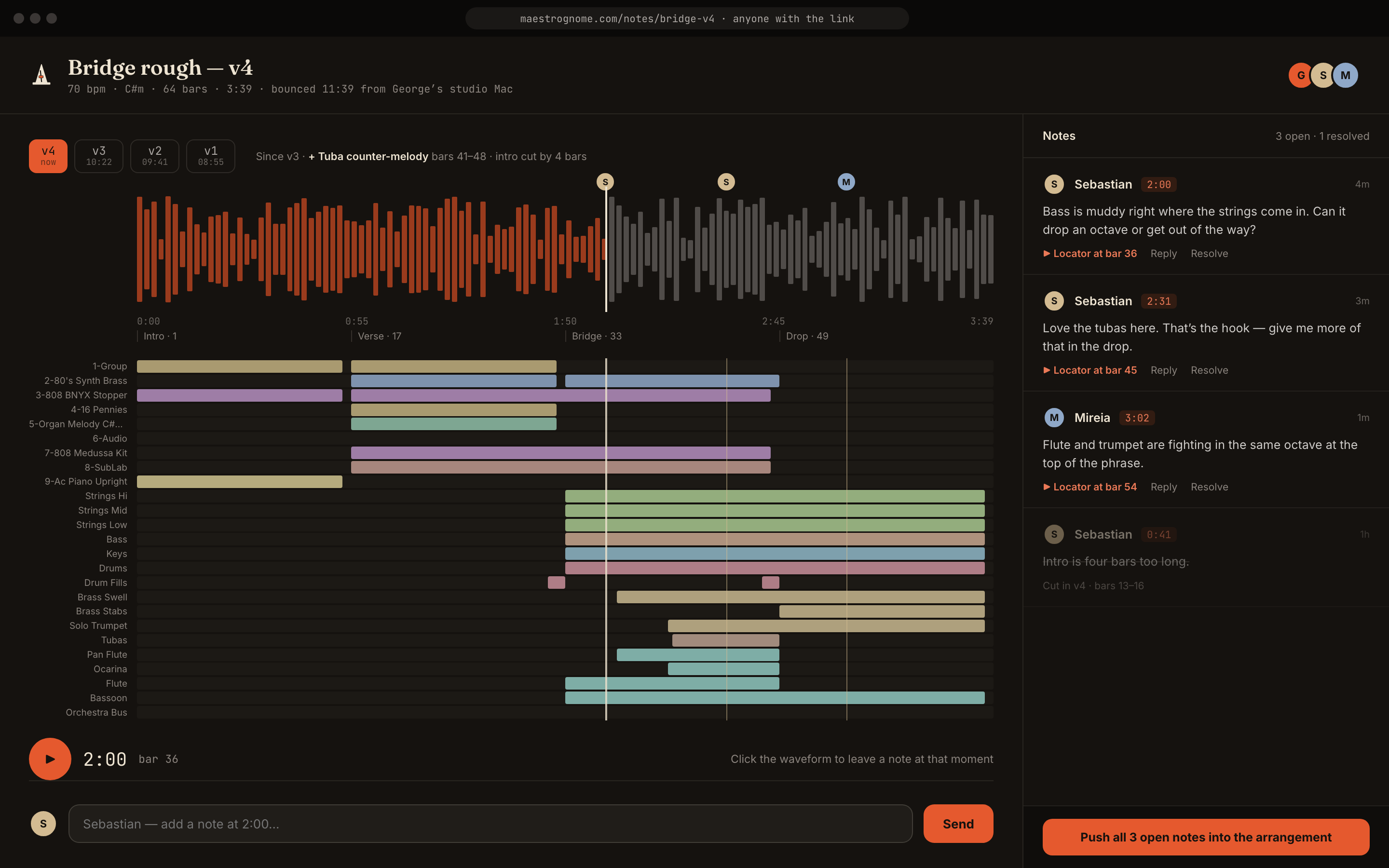
The picture wing follows the same rule as the sound wing: verified capabilities, honest labels.
Yes. Blender handles measured color—ASC-CDL white balance and exposure plus an approved look—and DaVinci Resolve handles cutting, Fusion compositing, and delivery checks. Edits land in new variant timelines; your originals are never touched.
Yes. Analysis reads sources without writing beside them, grades render to new files, and edits create variant timelines. Destructive operations are planned, confirmed, and archived before they run.
Yes. The reference picture and score use the same browser media clock, so a timestamped note identifies both the musical moment and the visual frame.
No. They open a private browser review, watch the graded picture with the score, jump by section, and leave timestamped comments.
Tell us your footage, your grading and editorial tools, and how clients review today. We will match access to a pipeline that can be verified on your material.