
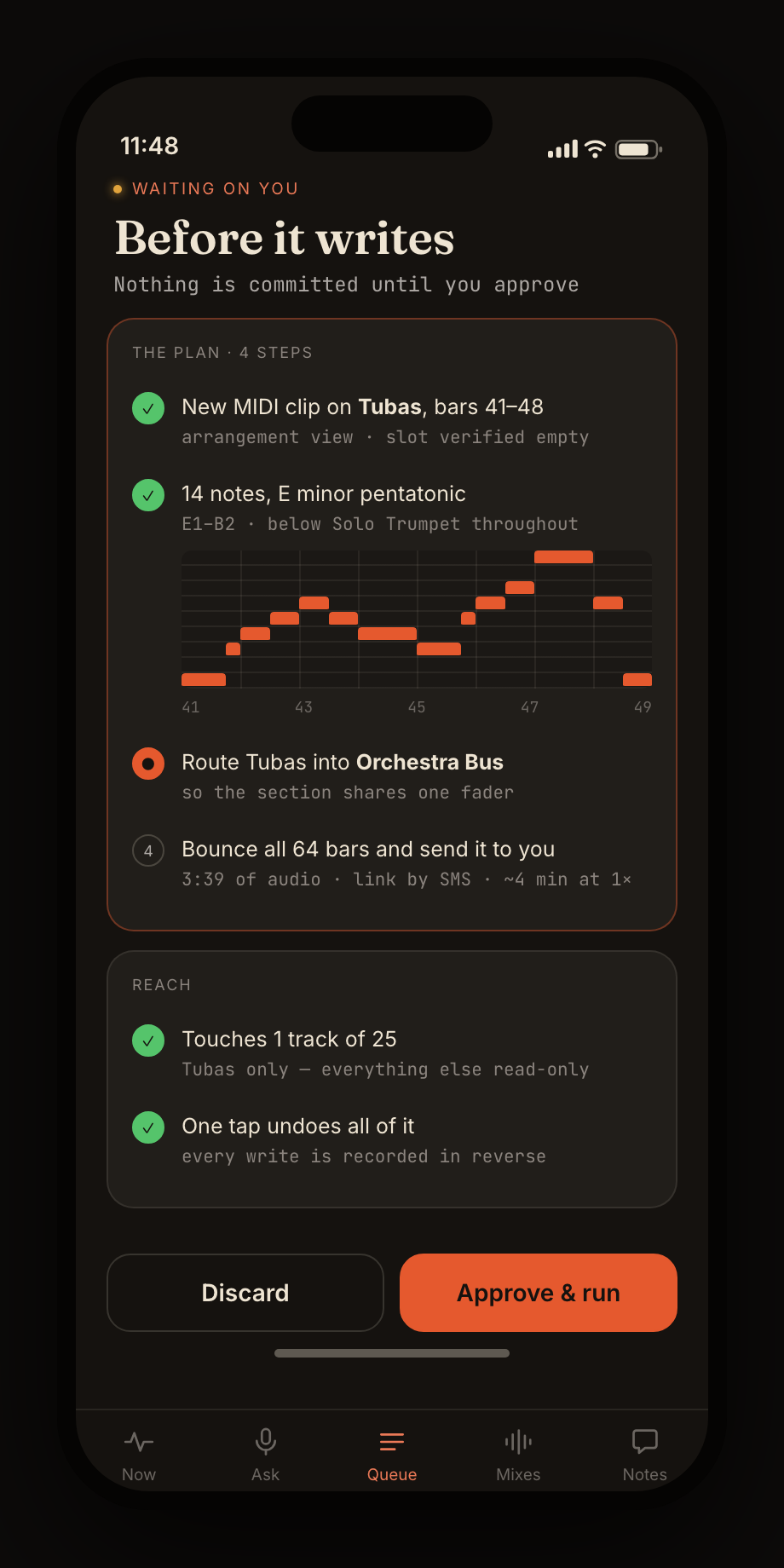
Read before writing.
Tempo, key, meter, form, tracks, clips, devices, and current playback become a shared working model.
MaestroGnome understands the open session, plans before it writes, and drives connected tools through MCP—your DAW, your grade, your edit. You keep control while bandmates, clients, and invited listeners point to the exact moment—bar or frame—that matters.
Your session stays authoritative · Changes are planned before execution · Clients need only a browser · Talkback companion on iOS and Android
Ask for the missing counter-line, a cleaner transition, a different voicing, or an honest read of the musical DNA. Maestro inspects first, proposes a bounded plan, and acts through the tools your studio exposes.
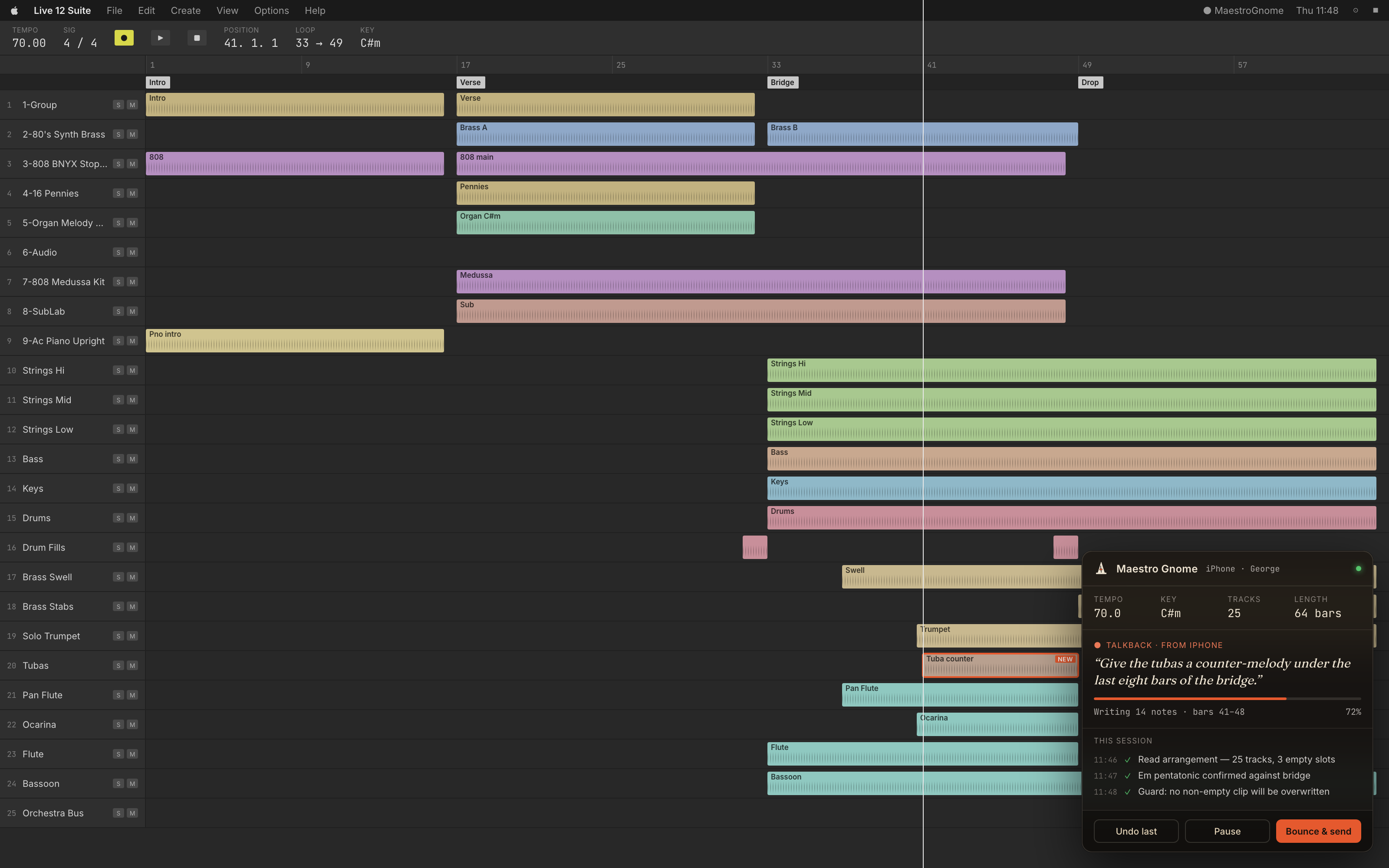
Tempo, key, meter, form, tracks, clips, devices, and current playback become a shared working model.
See what will change, where it will land, and which parts of the session remain untouched.
Connected MCP tools bridge the missing capabilities while your DAW, instruments, and plugins remain the source of truth.
The assistant and review platform share one model of the work. An idea becomes a controlled session operation, and human feedback returns to the right version and the right musical—or visual—location.
Ask from the current bar and section—no menus, coordinates, or repetitive setup.
Notes, routing, affected tracks, and the undo path are visible before the session changes.
Picture, waveform, sections, and comments follow one playhead in a private browser link.
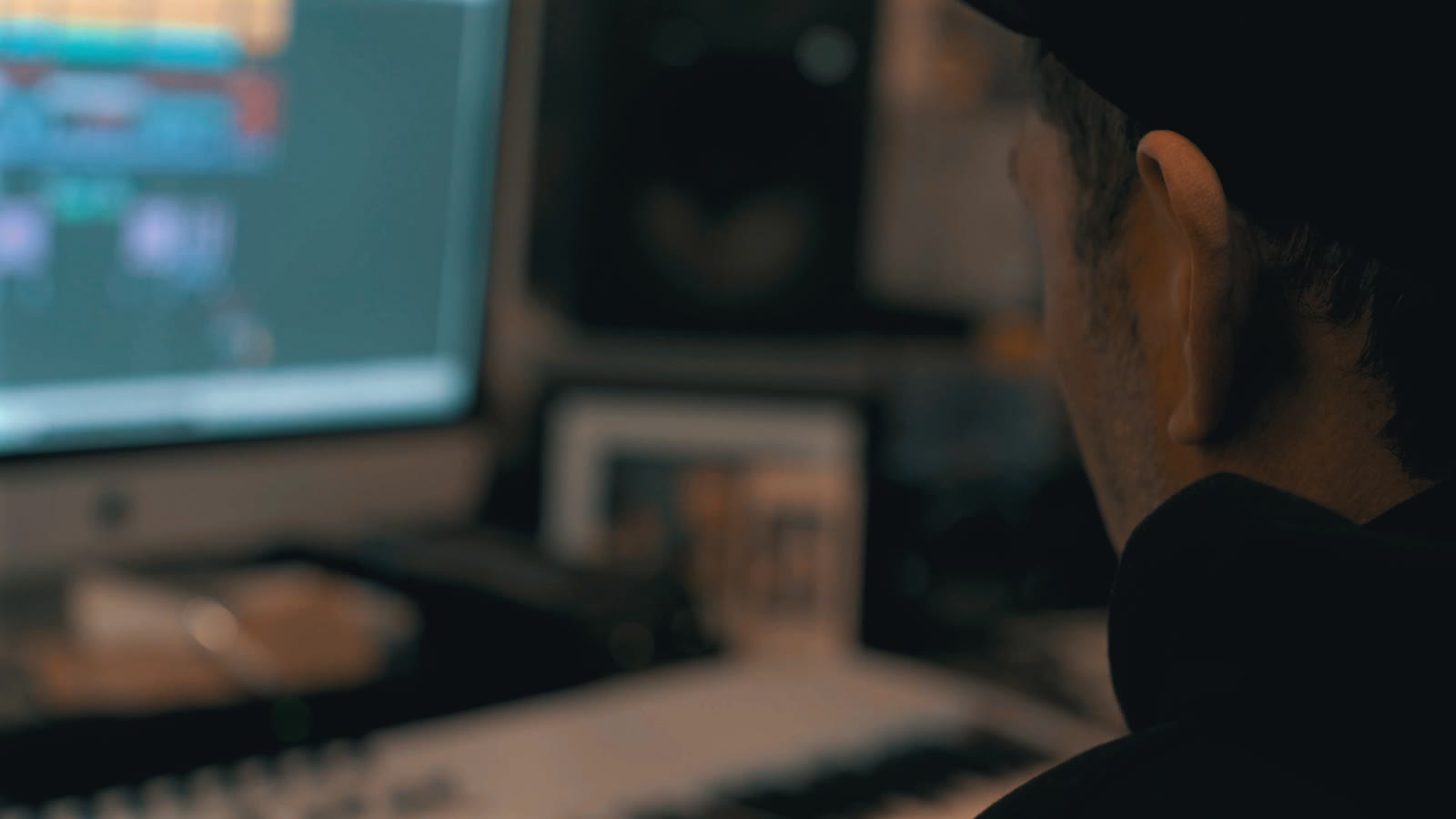
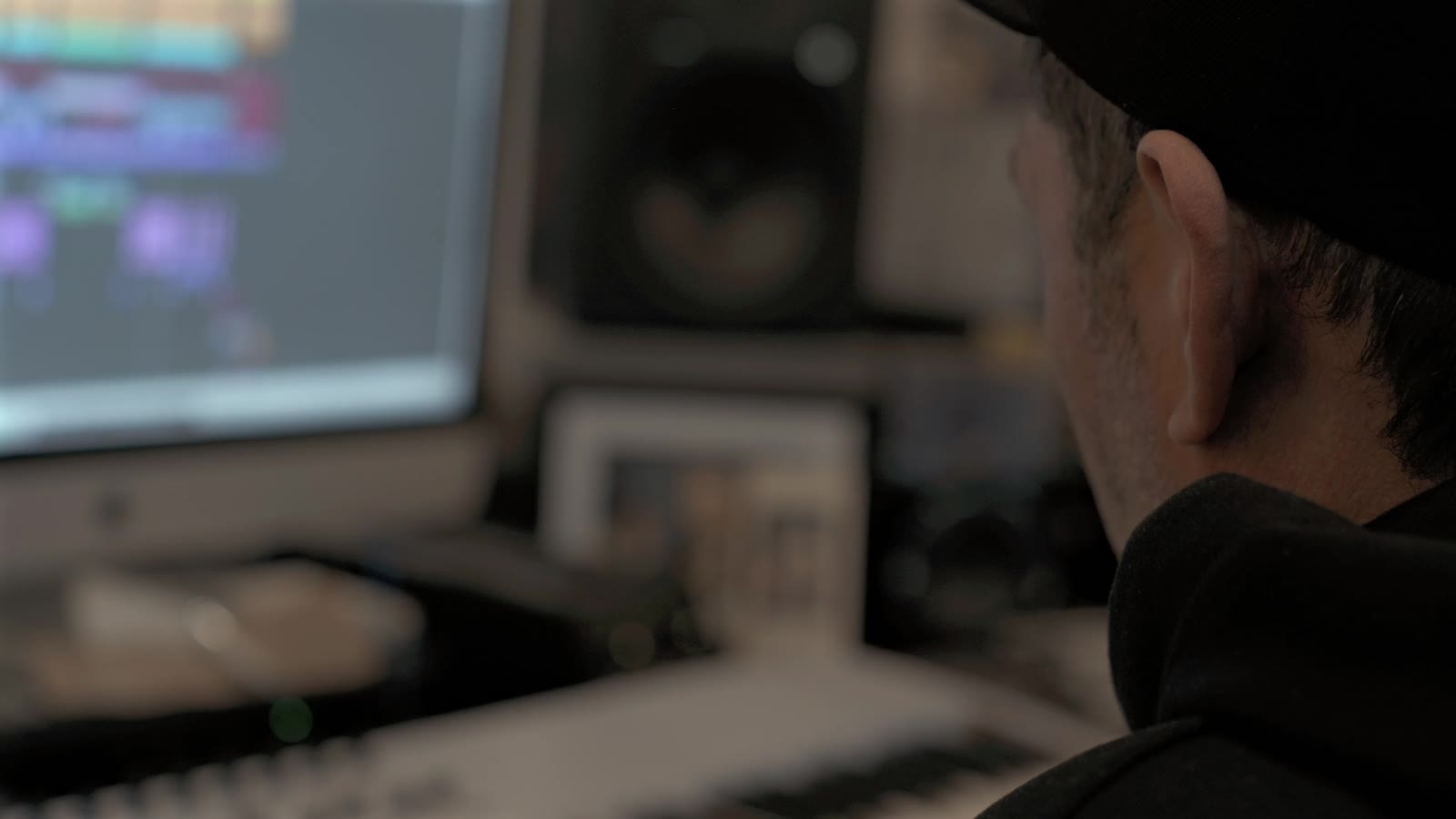
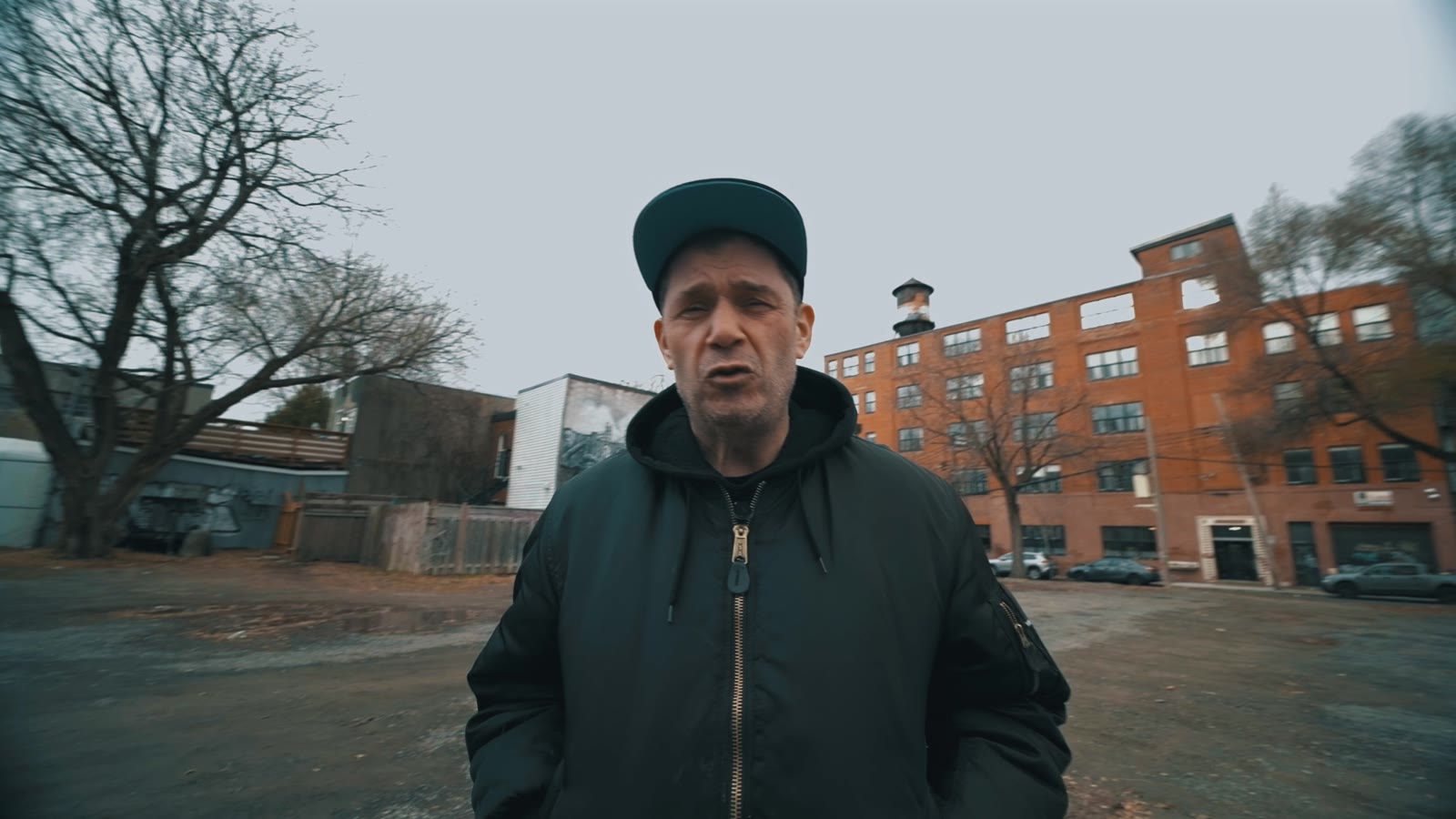
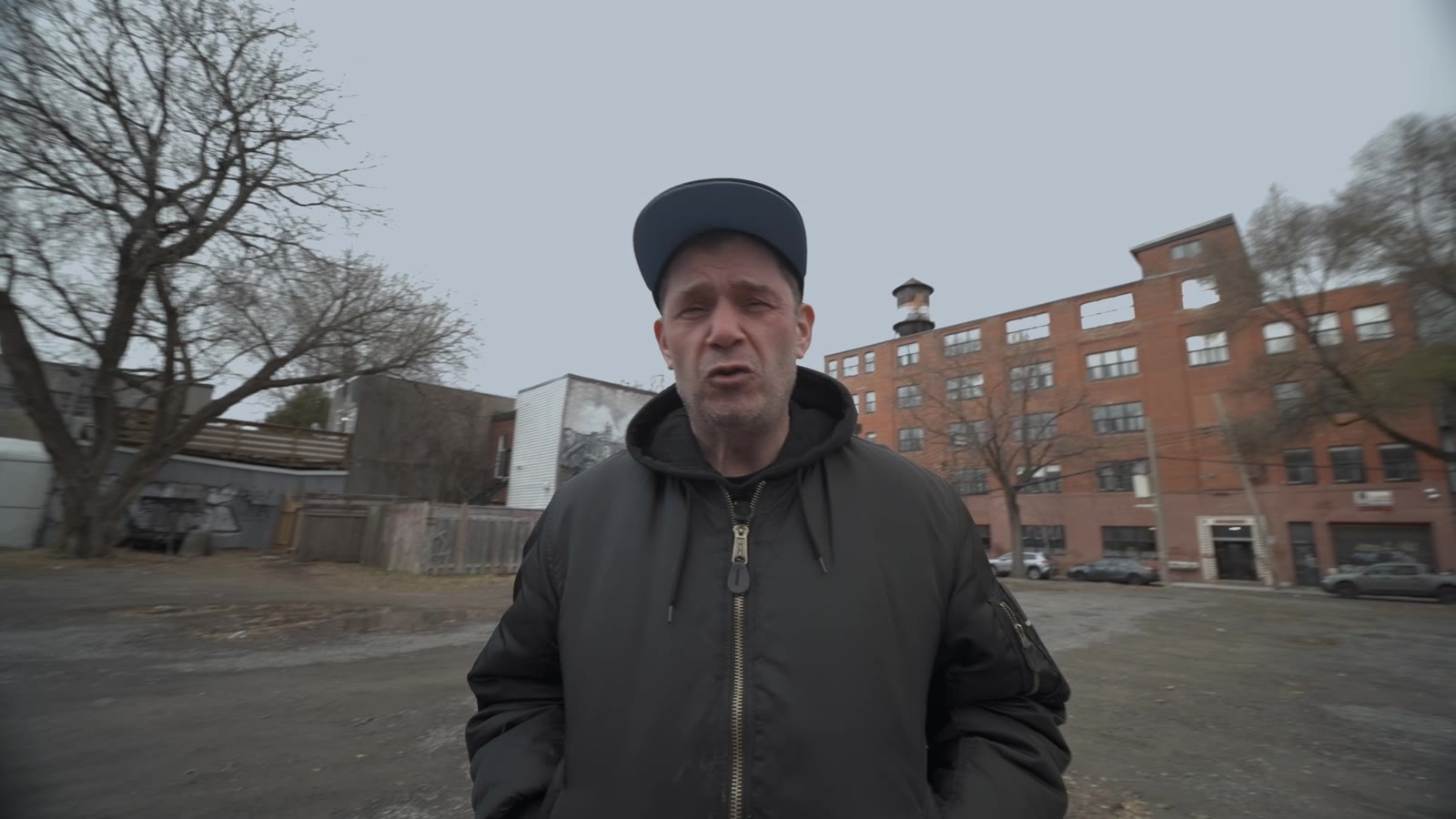
Maestro reads the footage before it touches a frame—white balance, exposure, scene cuts, dead air—then grades in Blender with ASC-CDL math and an approved look, and cuts and composites in DaVinci Resolve. Every render lands in the same review your collaborators already use.
 Original
Graded
Original
Graded
 Original
Graded
Original
Graded
A DJ set shot across club light and street daylight. Maestro sampled the frames, corrected white balance and exposure with ASC-CDL math, applied one approved cinema look from a library of 53, and rendered the trimmed content only—no manual grading between the two sides.
Each collaborator gets the surface they need. The producer keeps session control; everyone else gets enough musical and visual context to give useful feedback quickly.
Inspect, audition, plan, execute, compare versions, and decide what actually reaches the session.
Discuss the intro, bridge, build, voicing, orchestration, or groove using shared sections, bars, and playback.
Watch picture, hear the score, and leave durable timestamped notes without installing production software.
React at exact moments and help shape a work in progress without receiving access to the underlying session.
The review page carries a faithful arrangement minimap, track names, section labels, tempo, key, time signature, synchronized picture, and a SoundCloud-style comment rail. A timestamp is also a bar, beat, section, and frame.
Open the working review →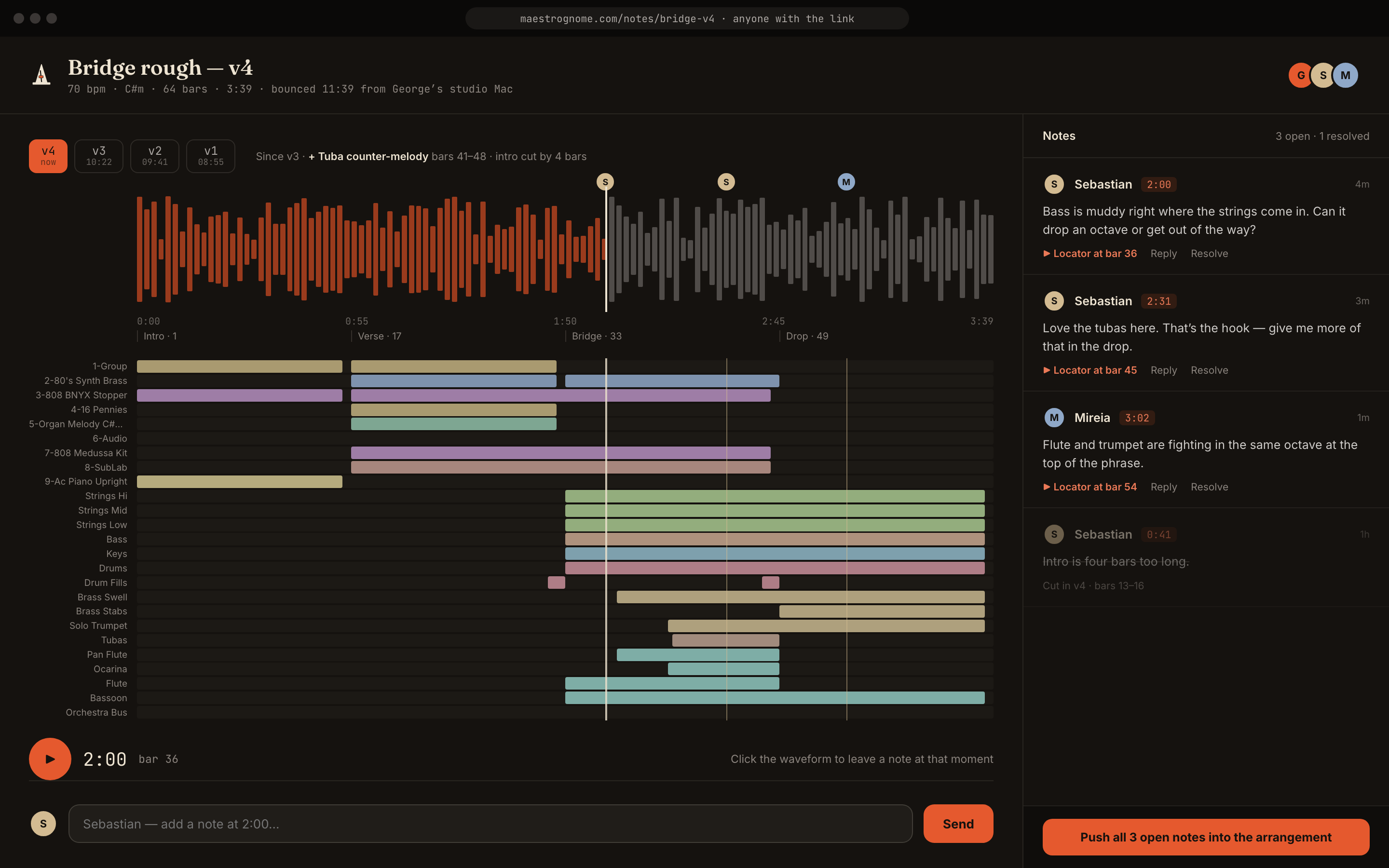
Every note retains its project UUID, review UUID, author, media time, beat, bar, and synchronization state. Approved comments can become arrangement markers without losing the conversation that created them.
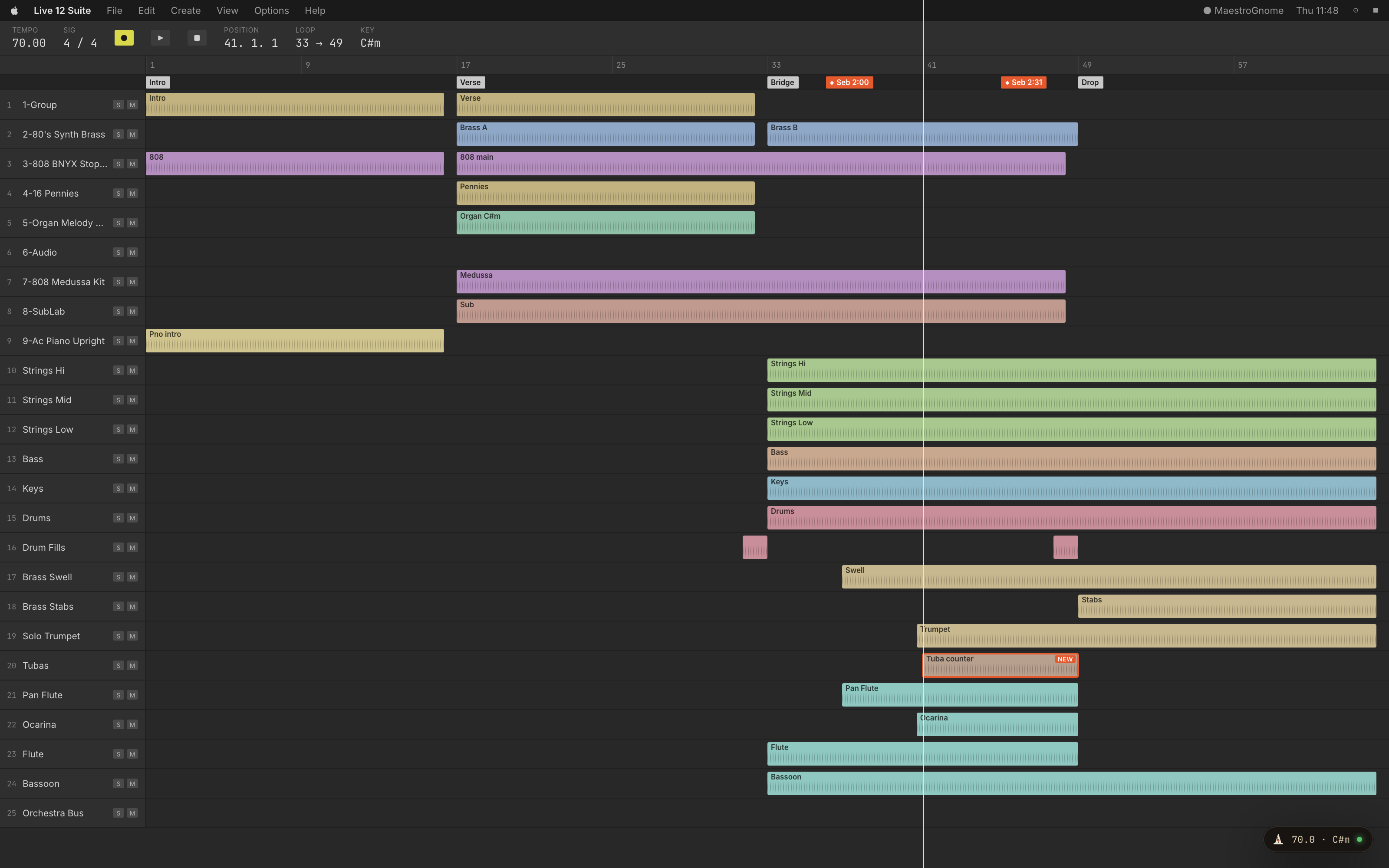
The architecture is broad; adapter support is verified one DAW and workflow at a time.
No. The DAW remains the source of truth and the person remains the decision-maker. Maestro accelerates inspection, planning, repetitive execution, and collaboration around that work.
Yes where the connected DAW adapter exposes those operations. Maestro works through your existing session and tools rather than substituting a generic music generator.
The core is DAW-neutral. Ableton Live, Logic Pro, and every other host expose different automation surfaces, so adapters are tested and labeled individually instead of claiming false universal parity.
They can hear the correct version, navigate named musical sections, inspect the arrangement map, and discuss changes at exact timestamps, bars, and beats. Session-writing access remains controlled by the producer.
No. They open a private browser review, play the score with synchronized picture, jump by section, and leave timestamped comments.
Yes. The Talkback companion ships for both iOS and Android. Speak or type a request, review the plan's read-only checks, approve or reject it, watch the job run, and receive bounced mixes and graded renders—delivered to your phone through the same trail.


Yes. Reviews and comments are stored with durable project and review UUIDs. Each note retains its exact media time, musical beat, bar, author, and synchronization status.
Google identity is supported for beta accounts. Optional Drive or Calendar connections will require separate, explicit consent; Maestro will not request blanket Gmail or Drive access.
Yes. The reference picture and score use the same browser media clock, so a timestamped note identifies both the musical moment and the visual frame.
Yes. Blender handles measured color—ASC-CDL white balance and exposure plus an approved look—and DaVinci Resolve handles cutting, Fusion compositing, and delivery checks. Edits land in new variant timelines; your originals are never touched.
Tell us your DAW, collaborators, and current review workflow. We will match access to an integration that can be verified in your studio.